
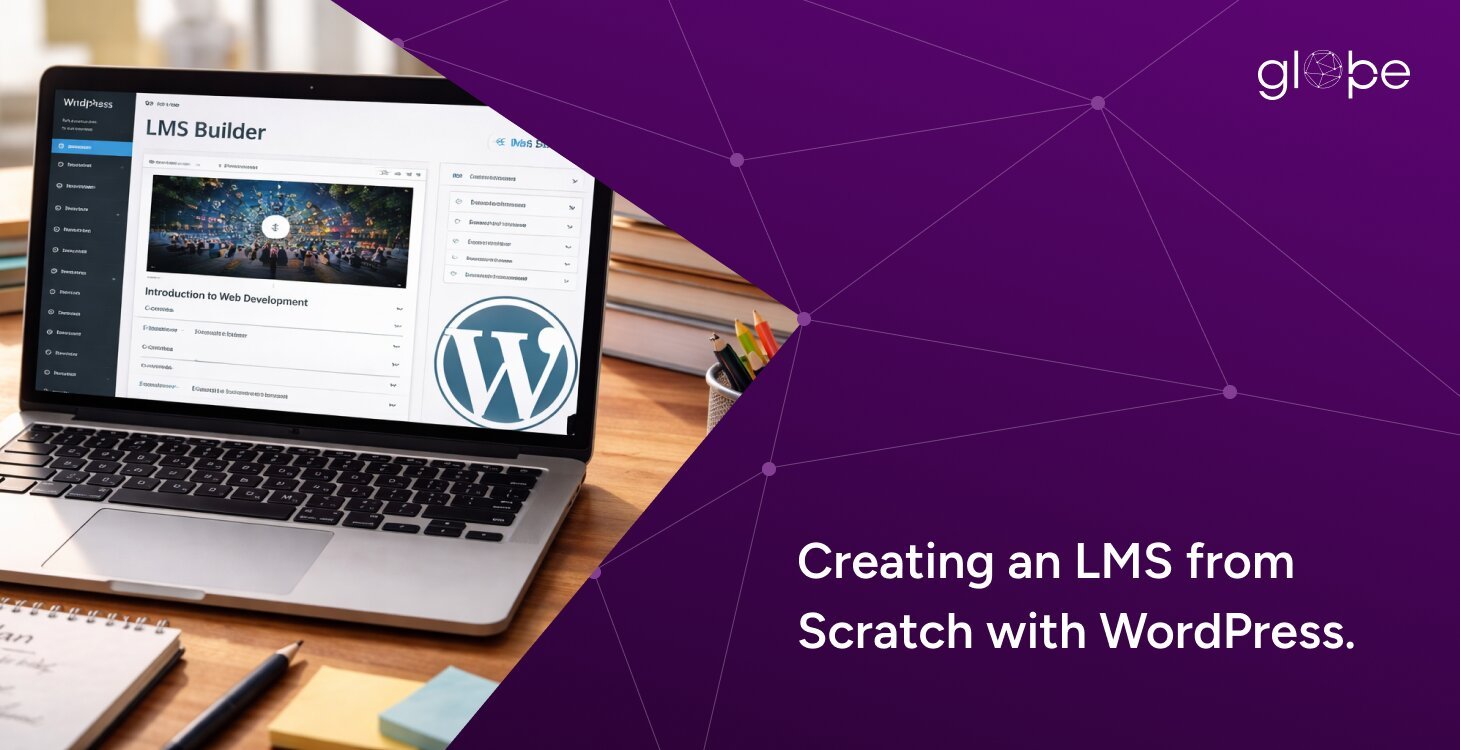
The demand for online education has grown rapidly over the past few years, especially as institutions and businesses shift toward digital learning environments. From schools and universities to corporate training providers, organizations are actively investing in scalable eLearning platforms to deliver structured and engaging content.
For the Thai education system, this shift is even more significant. With increasing internet penetration and government support for digital learning, institutions are now looking for cost-effective and flexible solutions to build their own platforms.
This is where WordPress LMS (Learning Management System with WordPress) becomes a powerful solution.
WordPress is no longer just a blogging platform—it has evolved into a robust ecosystem capable of powering fully functional LMS websites. Whether you're an educational institute, coaching center, or entrepreneur planning to launch an online course platform, WordPress offers the tools and flexibility needed to build a scalable system.
In this guide, we’ll walk you through how to build a Learning Management System with WordPress, including the tools, features, costs, and expert tips to help you launch successfully.
What is a Learning Management System (LMS)?
A Learning Management System (LMS) is a software platform designed to create, manage, deliver, and track educational courses or training programs online.
In simple terms, it allows you to:
- Create and organize courses
- Enroll students
- Track learning progress
- Conduct quizzes and assessments
- Issue certificates
Why LMS is Important for Modern Education
Traditional learning methods are no longer sufficient in today’s fast-paced digital world. An LMS helps:
- Enable remote learning
- Provide on-demand access to courses
- Improve student engagement
- Offer data-driven insights through analytics
For the Thai education ecosystem, adopting LMS platforms can significantly enhance accessibility and learning efficiency across urban and rural areas.
Why Choose WordPress to Build an LMS?
When it comes to building an LMS, there are many platforms available—but WordPress stands out as one of the most flexible and cost-effective solutions.
Cost-Effective Solution
Compared to custom-built LMS platforms, WordPress significantly reduces development costs. You can start small and scale as your platform grows.
Highly Flexible & Customizable
With thousands of plugins and themes available, WordPress allows you to customize your LMS according to your specific needs—whether it's for a school, university, or private training institute.
Powerful LMS Plugins
You can easily transform your website into a full-featured LMS using plugins like:
- LearnDash
- Tutor LMS
- LifterLMS
These tools provide everything from course creation to student management.
Scalable for Growing Platforms
Whether you have 100 students or 100,000 users, WordPress can scale with the right hosting and optimization.
SEO-Friendly for Course Visibility
One of the biggest advantages of WordPress is its SEO capabilities. You can optimize your LMS platform to rank on search engines and attract organic traffic—perfect for generating leads and course sales.
Easy Integration with Payment Gateways
WordPress supports multiple payment integrations like:
- Stripe
- PayPal
- Local payment gateways (important for Thailand)
Key Features Every Learning Management System Should Have
Before you build a Learning Management System with WordPress, it’s important to understand the essential features that define a successful LMS. These features directly impact user experience, engagement, and scalability.
Course Management System
Your LMS should allow you to:
- Create structured courses (modules, lessons, topics)
- Upload videos, PDFs, and other resources
- Schedule content (drip-feed learning)
A well-organized course structure improves both learning outcomes and user retention.
User Roles & Access Control
An effective WordPress LMS must support different user roles:
- Admin (full control)
- Instructor (course creation & management)
- Student (course access & progress tracking)
This ensures smooth platform management and secure access control.
Progress Tracking & Analytics
Tracking student performance is critical. Your LMS should provide:
- Course completion tracking
- Quiz results and performance insights
- Engagement metrics
This is especially useful for schools and training institutes to measure success.
Quizzes, Assessments & Certifications
Interactive learning improves retention. Key features include:
- Multiple-choice quizzes
- Assignments
- Automated grading
- Certificates upon completion
This adds credibility and motivates learners.
Payment Integration
If you plan to monetize your LMS, you’ll need:
- Secure payment gateways (Stripe, PayPal)
- Subscription or one-time payment options
- Coupon and discount systems
For the Thai education market, integrating local payment methods can significantly improve conversions.
Mobile Responsiveness
Most users access courses via mobile devices. Your LMS must:
- Be fully responsive
- Offer fast loading speed
- Provide seamless navigation
Security & Data Protection
Since LMS platforms handle sensitive data, security is crucial:
- SSL encryption
- Secure login systems
- Regular backups
Step-by-Step Guide to Build a Learning Management System with WordPress
Building a Learning Management System with WordPress may seem complex, but with the right approach, you can create a powerful and scalable LMS platform.
Here’s a practical step-by-step process:
Step 1: Choose a Domain Name & Hosting
Your domain name should reflect your brand or educational niche.
Tips:
- Keep it short and memorable
- Use keywords like “academy”, “learn”, or “courses”
- Choose reliable hosting for performance
For LMS platforms, we recommend:
- Cloud hosting (for scalability)
- High-speed servers (for video content delivery)
Step 2: Install WordPress
Once your hosting is ready:
- Install WordPress (most hosts offer 1-click installation)
- Set up basic configurations (site name, permalink structure)
Step 3: Select the Right LMS Plugin
Choose from:
- LearnDash (advanced)
- Tutor LMS (beginner-friendly)
- LifterLMS (membership-based)
Your choice depends on:
- Budget
- Features required
- Scalability needs
Step 4: Choose an LMS-Friendly Theme
A good theme improves both design and performance.
Look for:
- LMS compatibility
- Mobile responsiveness
- Fast loading speed
Step 5: Create Courses & Lessons
Now comes the core part—building your content.
You can:
- Add video lessons
- Upload PDFs and resources
- Structure courses into modules
Pro tip: Keep lessons short and engaging for better completion rates.
Step 6: Set Up Payment Integration
If you plan to sell courses:
- Integrate Stripe / PayPal
- Enable one-time or subscription payments
- Add discount coupons
For Thailand:
Consider local payment gateways for higher conversion rates
Step 7: Configure Student Dashboard & User Experience
Your LMS should offer:
- Easy navigation
- Course progress tracking
- Personalized dashboards
A smooth UX directly impacts student retention and satisfaction.
Step 8: Test & Launch Your LMS
Before going live:
- Test all features (courses, payments, login)
- Check mobile responsiveness
- Optimize speed and performance
Why Choose Glopbe for LMS Development?
Building a Learning Management System with WordPress is not just about installing plugins—it’s about creating a scalable, secure, and user-friendly platform that delivers real results.
At Glopbe, we specialize in developing custom LMS solutions tailored to your business goals.
Custom LMS Development
We don’t rely on basic setups. Our team builds fully customized LMS platforms based on your requirements—whether you're a school, university, or training provider.
Expertise in Education Industry
We understand the unique challenges of the education sector, including:
- Student engagement
- Course structuring
- Performance tracking
Scalable & High-Performance Solutions
Our LMS platforms are designed to:
- Handle thousands of users
- Deliver fast performance
- Scale as your business grows
Seamless Integrations
We integrate:
- Payment gateways
- CRM systems
- Marketing tools
- Analytics platforms
Ongoing Support & Optimization
Launching your LMS is just the beginning. We provide:
- Maintenance
- Performance optimization
- Feature upgrades
Final Thoughts
Building a Learning Management System with WordPress is one of the most effective ways to enter the fast-growing eLearning industry. With the right combination of plugins, features, and strategy, you can create a platform that delivers seamless learning experiences while generating consistent revenue.
However, the difference between a basic LMS and a high-performing, scalable platform lies in how well it is planned, developed, and optimized.
If you want to build an LMS that is secure, scalable, and tailored to your audience—especially for markets like Thailand—partnering with experts can save you time, reduce risks, and ensure long-term success.
Glopbe is here to help you turn your LMS idea into a powerful digital learning platform.